Install Stablemaster
Keep Stablemaster on your home screen.

You’re using the app
Go to homeiPhone or iPad Use Safari
Open this page in Safari
Copy this link, then paste it into Safari.
-
Tap Share
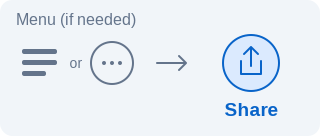
In Safari, open the menu if needed, then tap the up-arrow square to Share.
-
Add to Home Screen
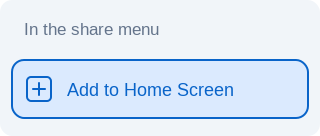
Scroll down to find it. On iPad, tap More if needed.
-
Tap Add
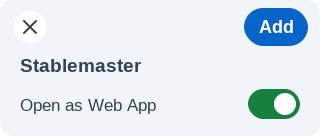
Leave Open as Web App on, if shown.
Can’t find Add to Home Screen?
If Edit Actions appears at the bottom of the share menu, use it to add this option.
Android Use Chrome
-
Open the menu

In Chrome, tap the three dots beside the address bar.
-
Choose Install
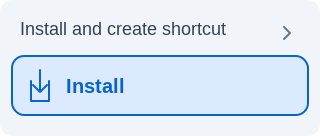
Look under Install and create shortcut. Some phones show Install app or Add to Home screen.
-
Confirm installation
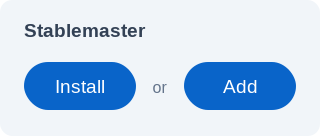
Tap Install or Add when your phone asks.
Icon only in your apps list?
Press and hold the Stablemaster icon, then drag it to your home screen.
Once added, tap Stablemaster on your home screen to start.
Buttons and menus may look different on your phone.
A connection is needed to load and save information.